
Product Description
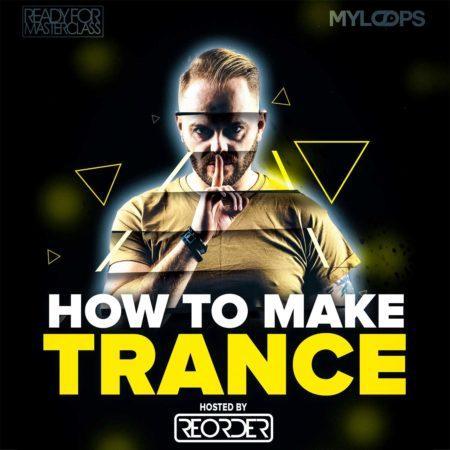
Making Of A Trance Production With ReOrder (Video Only)
60.56 €
- Full studio session on how to create a complete trance production from scratch
- The track produced uses only Sylenth1 and Spire, no other synths and no 3rd party FX
- 3+ hour long video from start to finish
- Ableton Live Project not included in this version (it is also possible to buy the project + video tutorial or the project alone)
- Includes tips on arrangement, mixing, choice of sounds, composition and a lot more !
- Includes samples and presets from Myloops products, for example ReOrder’s libraries (ReOrder Producer Sample Pack and ReOrder Trance Spire Soundset)
- Uses Ableton Piano Pack (FREE pack available on the Ableton website)
- 100% royalty free, so you can use elements from the project in your productions
Premium Quality Products
Made by professional artists and sound designers, with usability in mind.
100% Secure Checkout
We do not collect any credit card information. Payments are done with PayPal or Stripe.
Instant Downloads
You can download your purchased files immediately after the payment.
24/7 Support
You can order from Myloops with complete peace of mind. We promise to provide any support needed within 24 hours.
Frequently bought together
Customers who bought this item also bought

Product Description
Making Of A Trance Production With ReOrder (Video Only)
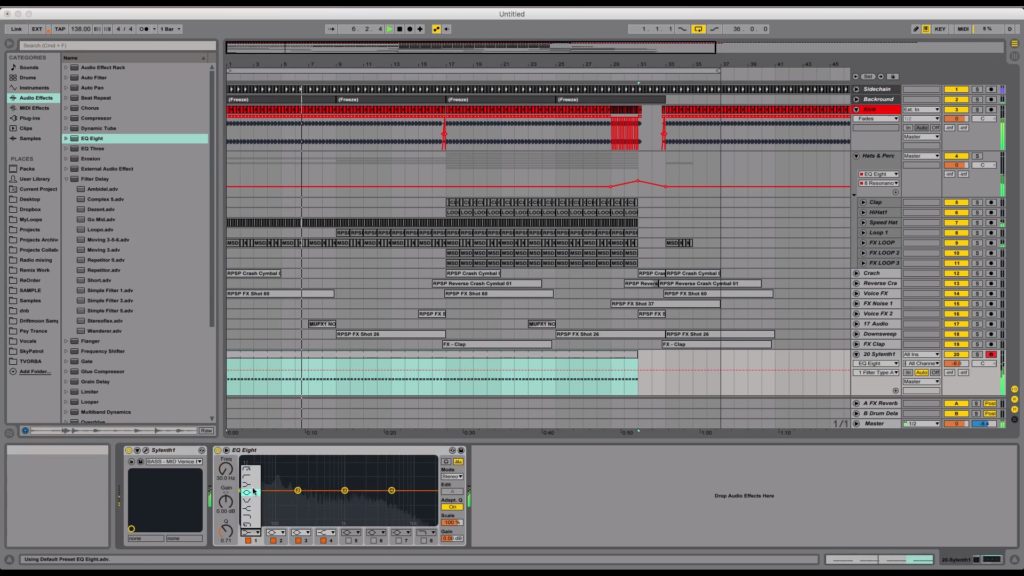
Over the years, we’ve had countless requests for something like this : a full trance production tutorial in Ableton Live, that covers creating an actual track from start to finish, along with showing all the tricks and tips resuling in a great sound.
Who better to do this than ReOrder, who’s been active in the scene for several years, had his tracks played by most of the top DJs out there and appeared on many top labels (FSOE, Garuda, Silent Shore, Who’s Afraid Of 138?, Armind, and many more ? Tibor Tomecko (ReOrder) is undoubtedly an expert at producing uplifting trance records and was the perfect person for this project.
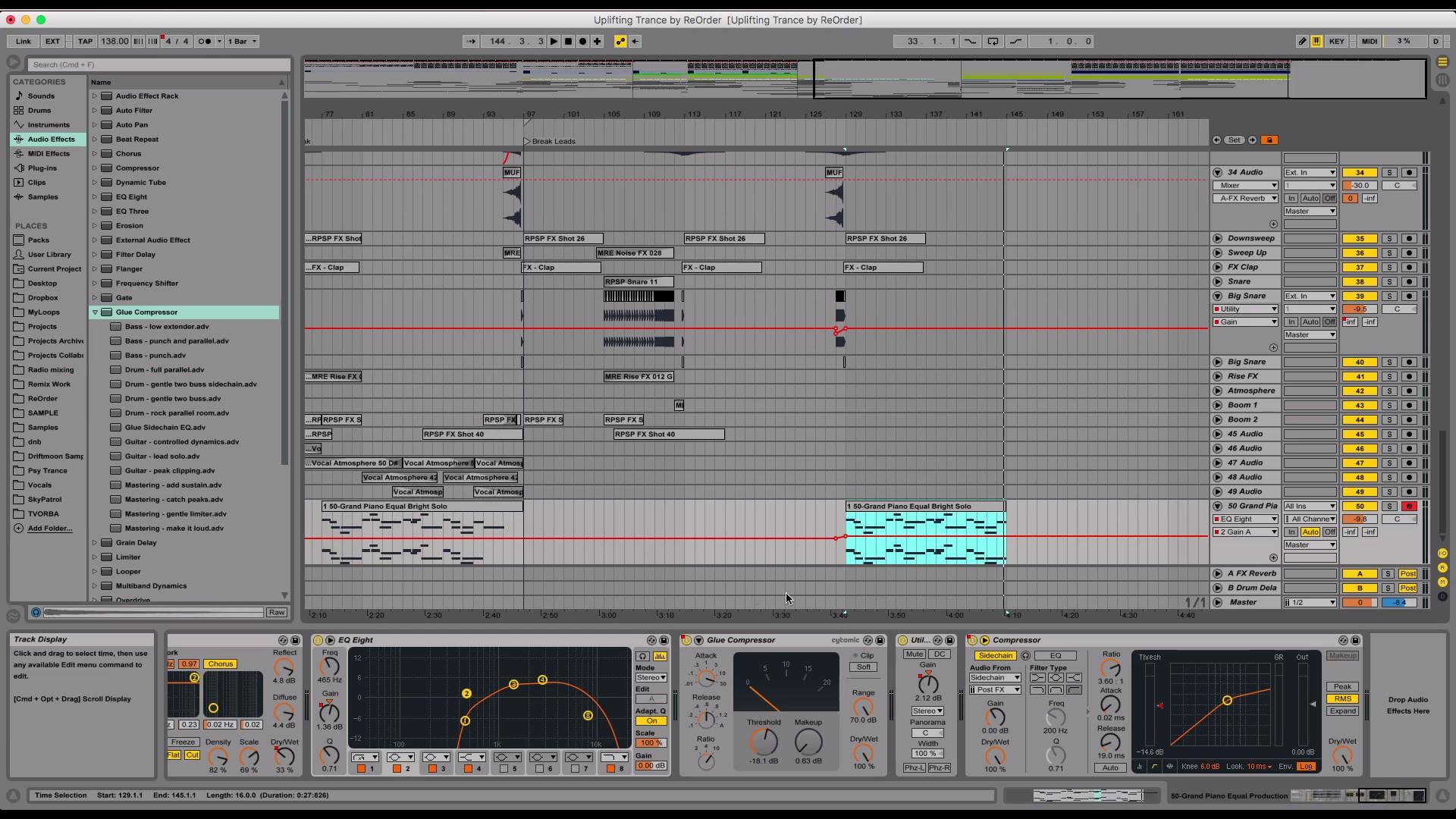
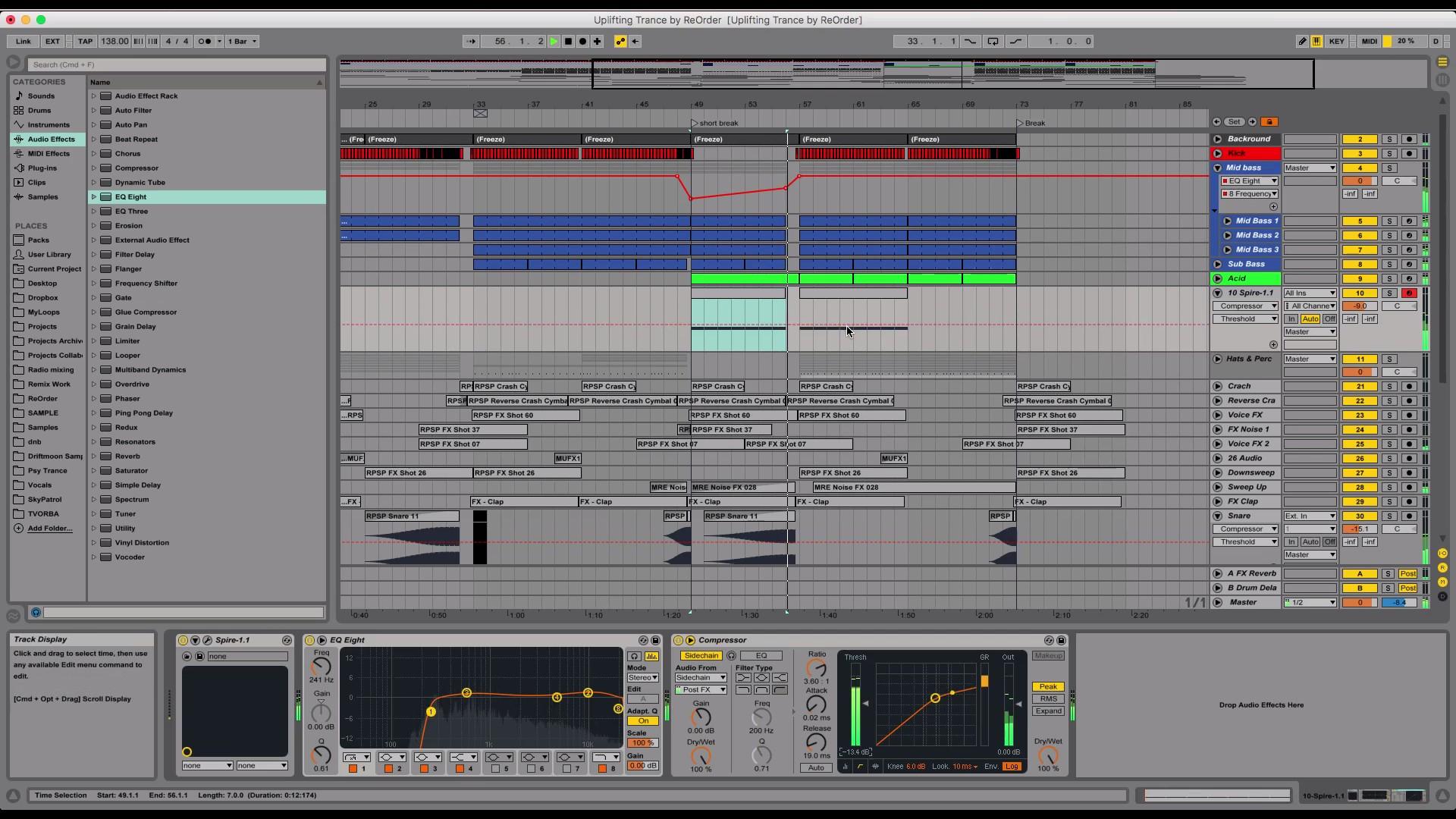
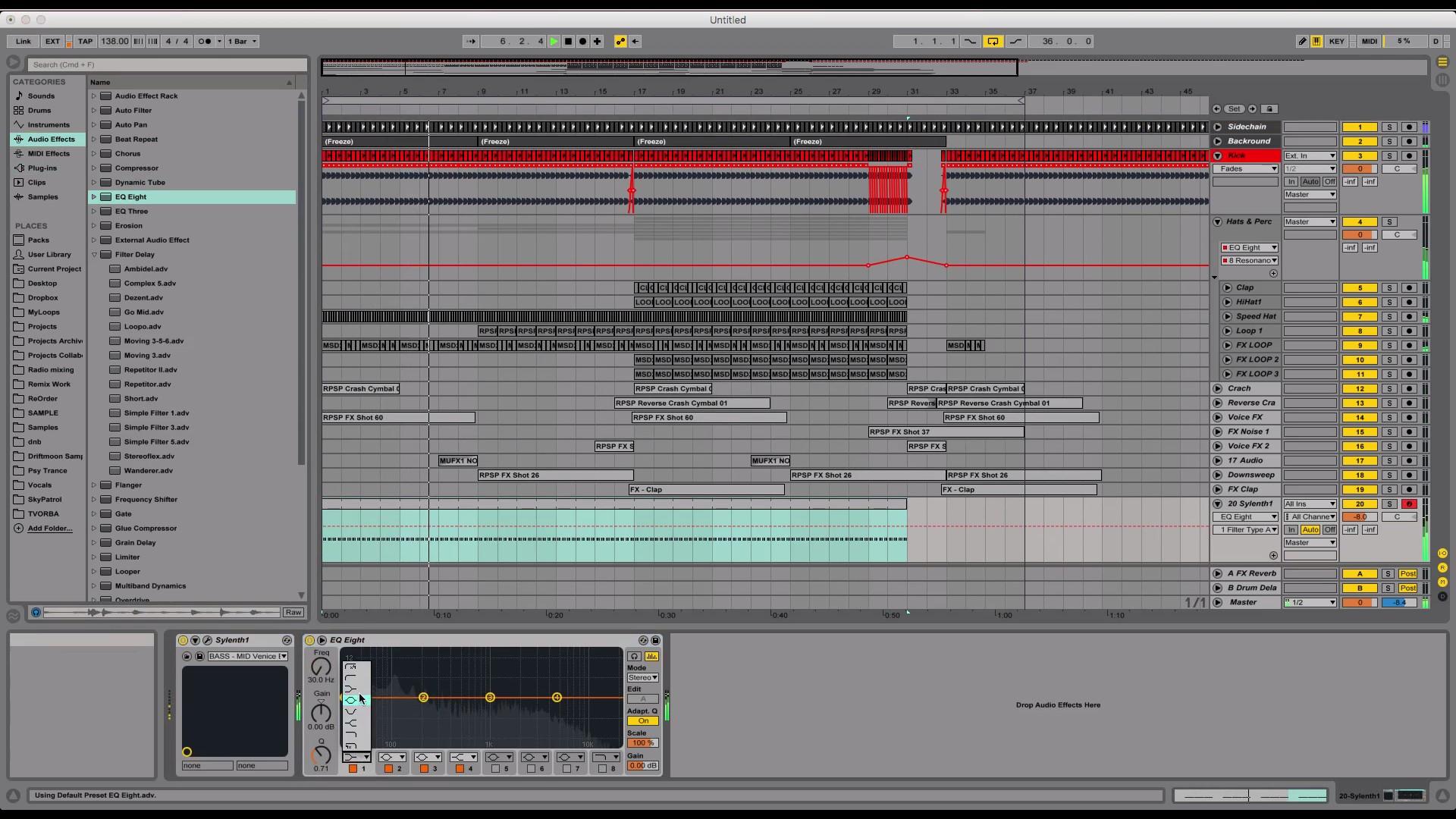
Tibor created a complete 3+ hour long course for Myloops where he shows you exactly how he went from a blank project file in Ableton to this complete uplifting trance track. Tibor used only Myloops samples for this project, plus 2 synths : Spire and Sylenth1, and no 3rd party FX. The project uses samples and presets from various Myloops products : ReOrder Producer Sample Pack, ReOrder Spire Trance Soundset, Reloaded, Ultimate FX Volume 1, Solid Drums Volume 2 and more.
3 versions available : Video + Ableton Project, Video Only and Ableton Project Only.
This version includes the Video tutorial only.
Who is this tutorial for ?
This tutorial is for artists who want to work faster and improve their sound at the same time. It’s intended for artists who are curious about the steps required for making a full uplifting trance production. it’s also suited for anyone looking for inspiration for their own trance music. It’s aimed at Ableton Live users, but the tricks you will learn can also be applied in other DAWs.
Features
- Full studio session on how to create a complete trance production from scratch
- The track produced uses only Sylenth1 and Spire, no other synths and no 3rd party FX
- 3+ hour long video from start to finish
- Ableton Live Project not included in this version (it is also possible to buy the project + video tutorial or the project alone)
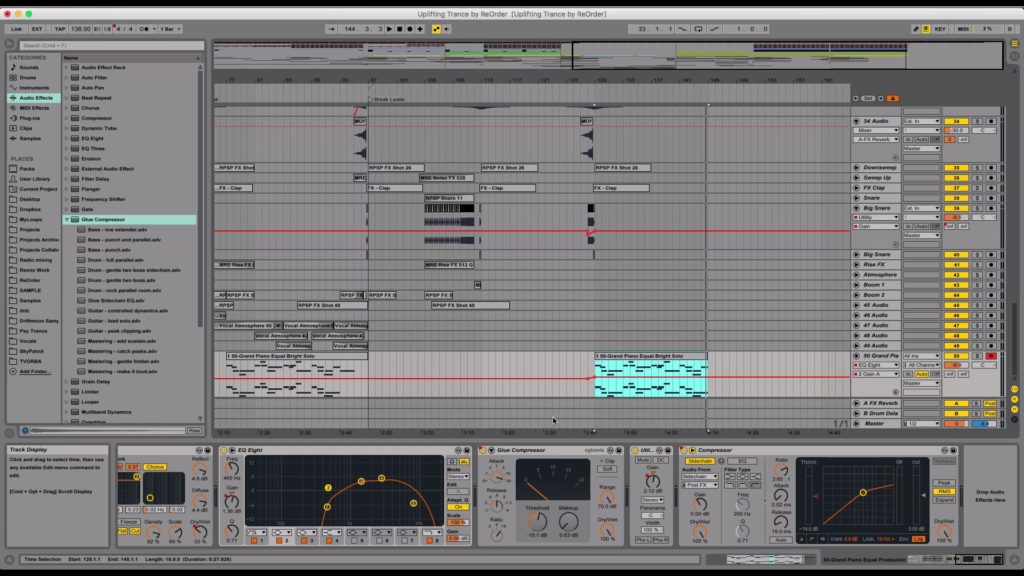
- Includes tips on arrangement, mixing, choice of sounds, composition and a lot more !
- The project uses samples and presets from Myloops products, for example ReOrder’s libraries (ReOrder Producer Sample Pack and ReOrder Trance Spire Soundset)
- Uses Ableton Piano Pack (FREE pack available on the Ableton website)
- 100% royalty free, so you can use elements from the project in your productions
What You Will Learn
In this 197 minute long video (3 hours and 17 minutes), Tibor will show you :
- How to start your track with the kick / drums
- Making drums sound powerful and interesting
- Adding elements one by one and keeping and making them fit together
- Building tension with white noise, FX and atmospheres
- Using automation to mark transitions in your track
- Renaming and coloring tracks to keep your project clean
- Creating white noise effects with Sylenth1
- Creating memorable transitions with samples, reverb, filter automations etc.
- Low-passing elements to avoid frequency conflicts
- Side-chain techniques to increase energy and clear up the mix
- Creating rolling uplifting bass layers (mid bass, hi bass, sub bass, etc.)
- Compressing your sub bass to make it fit perfectly between kicks
- Making melodic elements of your tracks fit together
- Kick roll, drum roll techniques to increase tension
- Using atmospheres to add background presence in your track
- Managing energy between the different parts of the arrangement
- Creating melodic parts for your track and making them fit together
- Layering, grouping & compressing leads to get a huge lead sound
- Mixing all the elements together to get a clean sound
- Composing a main lead riff based on a chord sequence
- Reverb, EQ, delay, compression, side-chain tips for a clean big sound
- And a lot more !

You can watch this video and prepare your own track based on ReOrder’s suggestions in Ableton Live.
Package Contents
- The video tutorial (197 minutes long , 1080p quality, in english)
 I’m using another DAW, not Ableton Live. Can I still benefit from buying this tutorial ?
 I’m using another DAW, not Ableton Live. Can I still benefit from buying this tutorial ?
Yes, you can still learn the concepts and techniques that ReOrder uses in his productions, and apply them in your own DAW.
About ReOrder
About the producer
Tibor Tomecko (ReOrder) is known for his beautiful uplifting and progressive trance releases on Subculture, Silent Shore Records, Monster Tunes, FSOE, Amsterdam Trance and his tracks being played by the top trance DJs in the world.


OTHER PRODUCTS FROM REORDER
Additional information
| Style | Uplifting Trance, Progressive Trance, Trance 2.0, Electro Trance |
|---|---|
| 100% Royalty-Free | Yes |
| Compatibility | Ableton Live |
| Download Includes | Video Tutorials |
| Availability | Exclusive |
7 reviews for Making Of A Trance Production With ReOrder (Video Only)
Can I use these sounds for commercial projects?
How do I download my files after purchase?
What happens if I have a problem with my order?

Product brand
Got A Question ?
Do you have a question about this product ? You can drop us an E-mail anytime.
Our offers
More Products From ReOrder

Mates81 (verified owner) –
I’m very happy with this video tutorial. ReOrder have done a great job and this video will push forward every bedroom producer, who had a problem with that, how to make trance tune. A lot of things are explained in this video and I have to say big thank you to one of my favourite trance producers and DJ ReOrder. I’m not using Ableton, but I haven’t any problem to work on my DAW which is Logic pro X. I can recommend this tutorial for everyone who already knows how to work with your DAW. Not for very beginners!
Aaron –
Wonderful tutorial by Reorder. Really enjoyed how he structured it and makes it easy to follow. Also it’s great to see him using the stock plugins that comes with Ableton. The skills and techniques taught are easily transferable between DAWs, so non-Ableton users will definitely benefit from it too!
Paul (verified owner) –
This is a great great tutorial! It’s an very useful video. Everything is very well explained and you will see and hear a lot of tips, tricks and techniques. In the video he works with Ableton, i work with Logic and it’s no problem for me to understand everything. Thanks MyLoops and ReOrder for this great product!
Juri (verified owner) –
Thank you ReOrder for this amazing tutorial! Everything is well explained and clear, learned some cool new tricks and techniques. Track is uplifting style and this was exactly i was looking for. Will be watching this again after some time. Totally worth the money !
Dave (verified owner) –
Amazing tutorial from Re-order! I gained some great knowledge and tips from this video and it was really well explained and I can see myself referring back to if from time to time. I watch a lot of tutorials and this one ranks highly. Thoroughly recommended!
mrdjcosmo (verified owner) –
I have recently bought this for my birthday 3 weeks ago, And I gotta say, It was worth the money! I’m producing in Cubase 8pro, but I’m learning everything! Thanks again for everything you do!😀🔥
dotafukusan (verified owner) –
This is a great tutorial.
I recommend one to all my friends.
They always watch one and are growing up day by day.