
Product Description
Allen Watts – Reboot Video Walkthrough
42 €
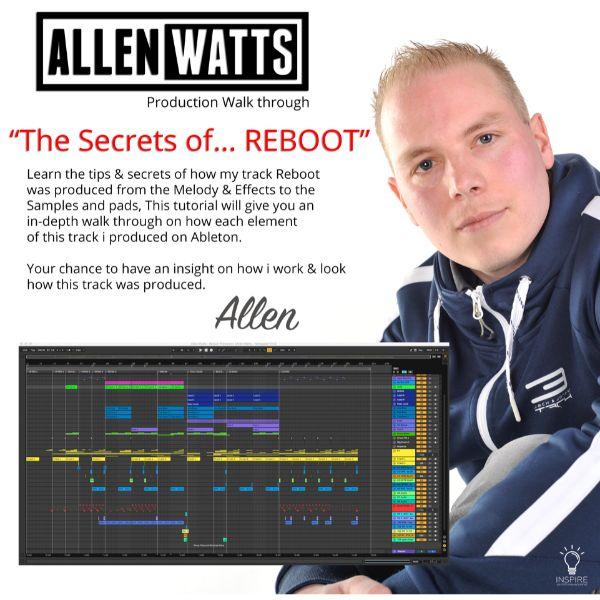
Allen Watts is proud to present his new ‘Allen Watts – Reboot Video Walkthrough’ trance tutorial. If you are looking for a boost of inspiration and / or a way of learning trance production faster, this full track project walkthrough by Allen Watts is what you’ve been looking for.
Premium Quality Products
Made by professional artists and sound designers, with usability in mind.
100% Secure Checkout
We do not collect any credit card information. Payments are done with PayPal or Stripe.
Instant Downloads
You can download your purchased files immediately after the payment.
24/7 Support
You can order from Myloops with complete peace of mind. We promise to provide any support needed within 24 hours.
Frequently bought together
Customers who bought this item also bought

Product Description
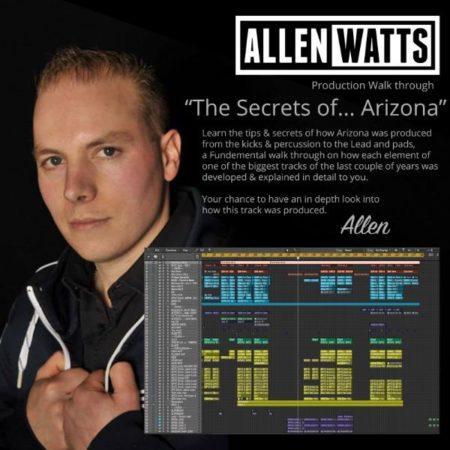
Allen Watts is proud to present his new ‘Allen Watts – Reboot Video Walkthrough’ trance tutorial. If you are looking for a boost of inspiration and/or a way of learning trance production faster, this full track project walkthrough by Allen Watts is what you’ve been looking for.
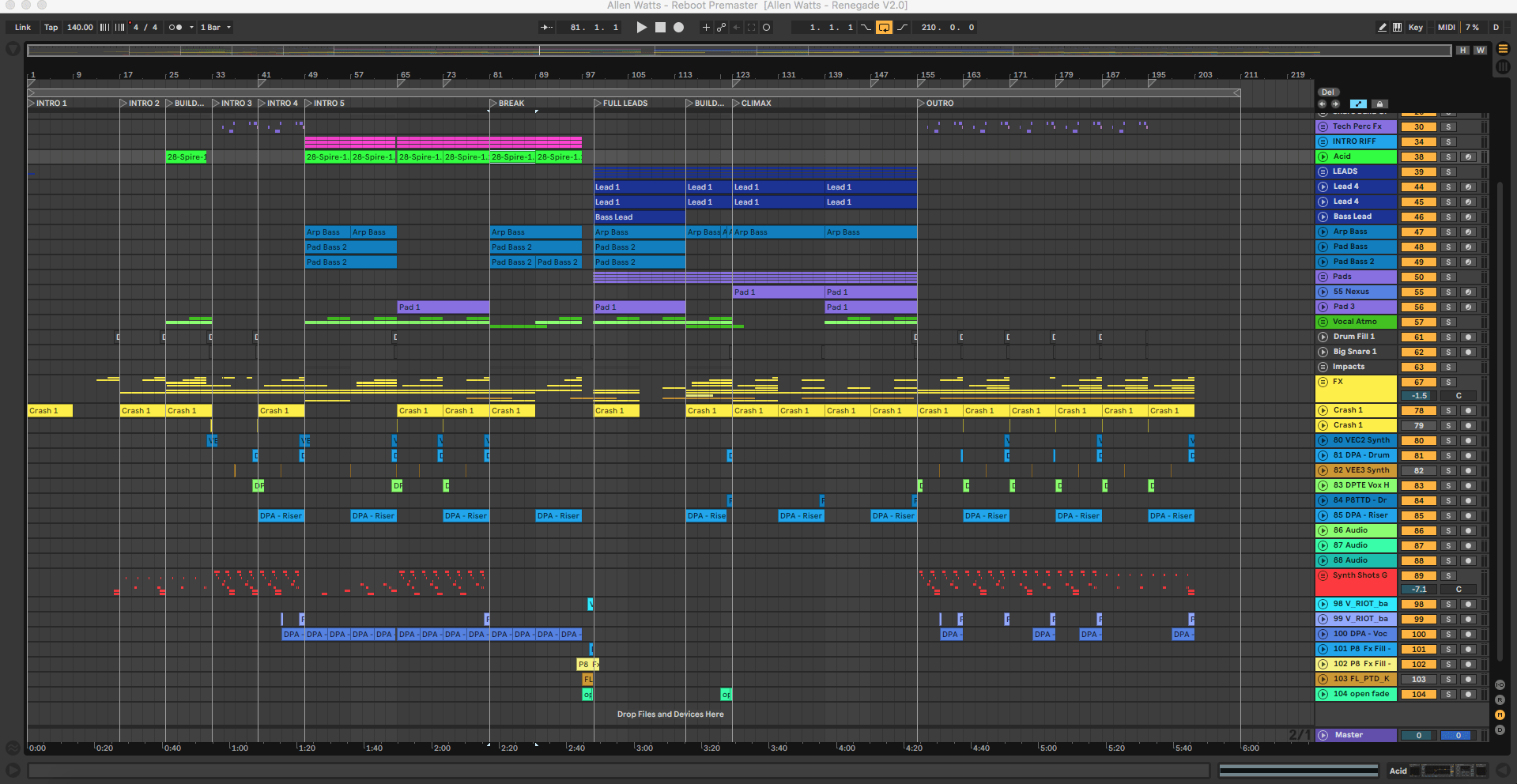
Learn the tips and tricks & Secrets of How ‘Allen Watts – Reboot‘ was Produced from the Kicks, Bass, Mids, and Percussion to the Leads and Pads. A Fundamental walkthrough on how each Element of one of the Biggest Tracks of the last couple of Years was Developed & Explained in Detail To You.
58+ minute-long tutorial Produced in Ableton Live.
PRODUCT DETAILS:
- Full video walkthrough/tutorial of ‘Reboot’ by Allen Watts in Ableton Live
- Allen explains all of his production tricks, techniques & choices for this track
- Categorized into 5 parts/videos (58+ minutes in total):
- 1.Kick/Sub/Mids
- 2.Leads
- 3.Pads/Climax/Outro
- 4.Percussion/FX
- 5.Synth Shot/Intro Riff
- Created by Allen Watts
WHY BUY THIS PRODUCT:
- Follow the walkthrough to find out how each element of the track was built
- Find out how the mixing was done, and how each track was processed
- Learn how the bassline & drums patterns were designed
- Get inspired for your own productions
- Overall, an excellent way of learning more about producing Trance Music in Ableton Live
Additional information
| Compatibility | Ableton Live |
|---|---|
| 100% Royalty-Free | Yes |
| Style | Uplifting Trance, Energetic Trance |
| Download Includes | Video Tutorials |
4 reviews for Allen Watts – Reboot Video Walkthrough
Can I use these sounds for commercial projects?
How do I download my files after purchase?
What happens if I have a problem with my order?

Product brand
Allen WattsGot A Question ?
Do you have a question about this product ? You can drop us an E-mail anytime.
More Products From Allen Watts
Customers who viewed this item also viewed






Roman Rade (verified owner) –
This is already my second video I purchased from Allen Watts. Just like with the Arizona one, I learned a lot. Especially that it does not take a ton of different plugins, but that you can produce a solid track with almost Spire, Sylenth1 and quality samples.
Thumbs up!
Scorch Felix (verified owner) –
Wow is my first word, big thanks and respect to Allen Watts for sharing his insider knowledge, and I mean that no fillers, just real world production insight, I applied the first 10% of his walkthrough reboot video, and posted it on Instagram on my work in progress, the feedback was instant and real. It’s very rare to get so close to top level producer and give you his/her current production techniques…a must for budding and experienced trance producers.
bsholer (verified owner) –
Allen Watts moves pretty fast through this one. I would not recommend it to a beginner. If you are intermediate or advanced, there is a lot to be had here: eq tricks, layering tips, how to build drums grooves. Pay attention and I guarantee you’ll learn some techniques to tighten up your tracks. But it is a “walkthrough” not a tutorial and if you are a beginner I recommend starting elsewhere.
Nautic Boy (verified owner) –
This video has clarified several doubts I had. Without a doubt Allen is an exceptional producer and this walkthrough certainly shows that! I will definitely sign with High Voltage Recordings sooner or later.
Nautic Boy.