
Product Description
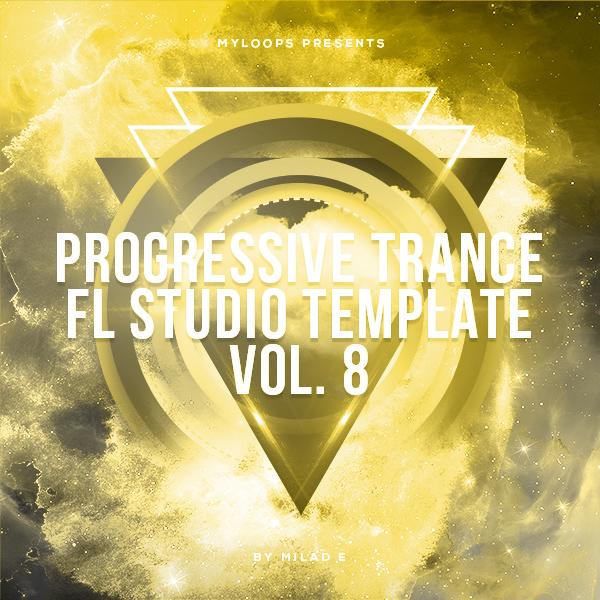
Progressive Trance FL Studio Template Vol. 8 (By Milad E)
29.80 € 22.35 €
Milad E is proud to present his new ‘Progressive Trance FL Studio Template Vol. 8’. If you are looking for a boost of inspiration and/or a way of learning trance production faster, this Progressive Trance Template For FL Studio is what you’ve been looking for.
Premium Quality Products
Made by professional artists and sound designers, with usability in mind.
100% Secure Checkout
We do not collect any credit card information. Payments are done with PayPal or Stripe.
Instant Downloads
You can download your purchased files immediately after the payment.
24/7 Support
You can order from Myloops with complete peace of mind. We promise to provide any support needed within 24 hours.
Frequently bought together
Customers who bought this item also bought

Product Description
Milad E is proud to present his new ‘Progressive Trance FL Studio Template Vol. 8’. If you are looking for a boost of inspiration and/or a way of learning trance production faster, this Progressive Trance Template For FL Studio is what you’ve been looking for.
Studying this project file will give you a great insight into the processing of individual channels and mixing modern progressive trance in FL Studio in the style of the Statement! record label, through the use of EQ, compression, delay, reverbs, layering & more!
This template comes loaded up with full arrangement (as heard in the audio demo), mixing, FX chains, MIDI data, and automation. It all comes loaded with all the samples and synth presets, so you’ll get what you hear in the demo (if you have these synths & plugins).!
You just get an awesome FL Studio project file that contains a fully arranged track inspired by the progressive trance trends as heard on the Statement! record label.
The content is royalty-free except for the melody. All other elements from this template can be used either as an educational tool or as a basis for your own tracks. So this pack is a must-have if you are looking for a high-quality template for FL Studio!
What do I get?
- 1 Fully arranged & mixed Full Template For FL Studio
- The fresh and genuinely inspiring sound
- The whole project is clearly named and categorized
- Produced by Milad E
- Only useful & modern sounds, no fillers
- royalty-free (except for the main melody)
Why Buy This Product?
- Study how the basslines are created with several layers, and how the different layers/parts interact with each other
- Learn from studying each individual track (MIDI / Audio)
- Find out how the mixing was done, and how each track was processed
- Learn how the bassline patterns were designed
- Learn from the synth presets included, which settings were used to make each type of sound
- Get inspired for your own productions
- Overall, an excellent way of learning more about producing progressive trance Music in FL Studio
What do I need to open this template?
In order to take full advantage of this project, you will need :
- FL Studio v20 or higher
- Sylenth1
- Spire
- Omnisphere
- LFOTool
- OTT (FREE)
- Kickstart
- FabFilter Pro-L 2
- FabFilter Saturn
- FabFilter Pro-MB
- FabFilter Pro-Q 3
- ArtsAcoustic Reverb
- ValhallaRoom
- Transpire
- Waves 9
- CamelCrusher (FREE)
More details :
- Type: Progressive Trance FL Studio Template (.flp)
- Support: Download
Additional information
| Style | Progressive Trance, Trance 2.0 |
|---|---|
| Compatibility | FL Studio (Fruity Loops) |
| Download Includes | MIDI Files, Presets, Project Files, Samples |
Can I use these sounds for commercial projects?
How do I download my files after purchase?
What happens if I have a problem with my order?

Product brand
Milad EGot A Question ?
Do you have a question about this product ? You can drop us an E-mail anytime.
More Products From Milad E
Customers who viewed this item also viewed





Reviews
There are no reviews yet.